
 English
 Русский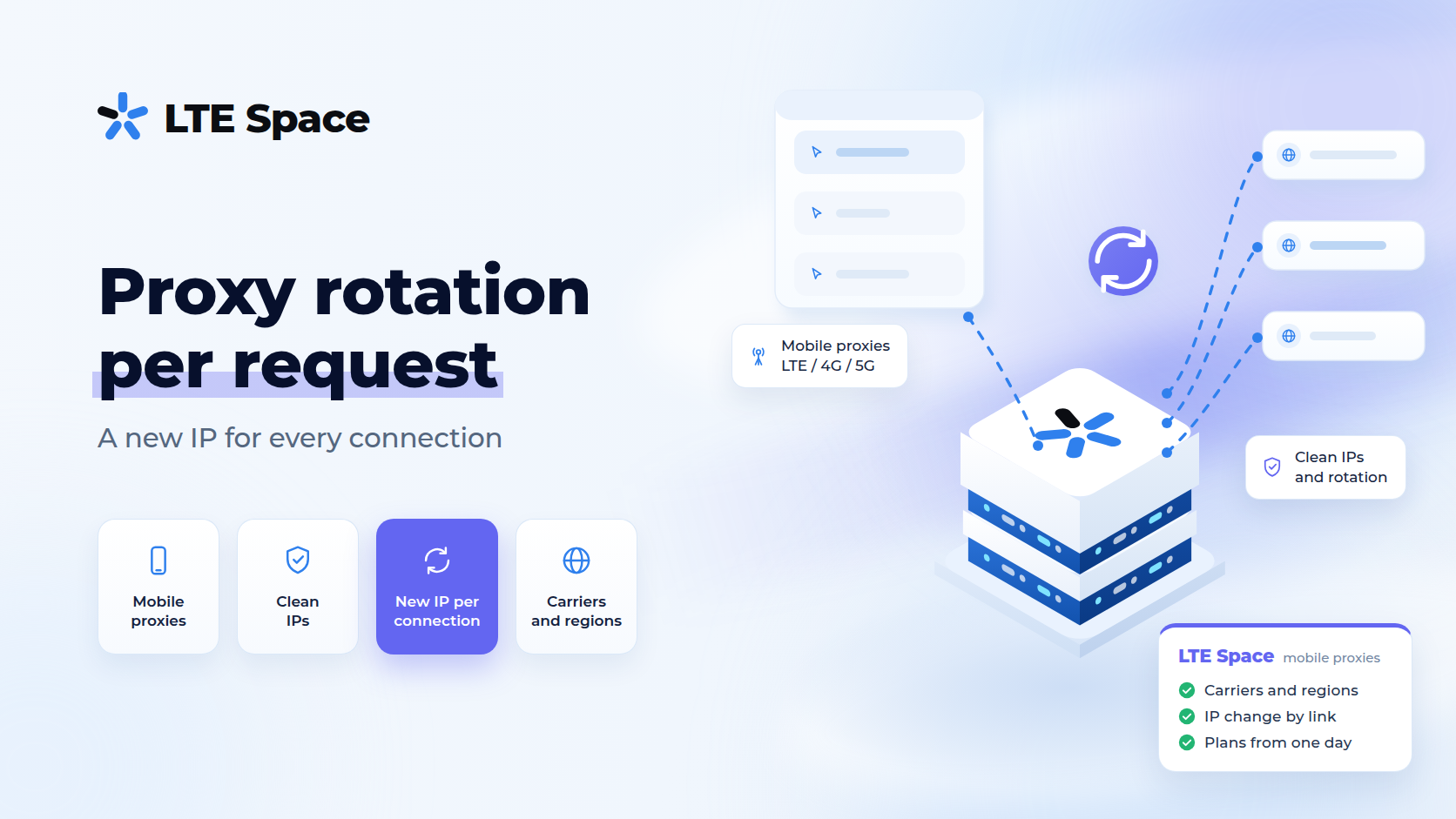
Proxy rotation per request is a setup in which every call to a website leaves from a new IP address. People look for it for web scraping, price monitoring and bulk search result checks, where hundreds of requests from one address quickly run into captchas and limits. In 2026 mobile proxies tie this kind of rotation to the connection rather than to the request itself, and whether every request gets its own address depends on how the program opens connections.
Request, connection and session: what is the difference
The three words are often mixed up, although rotation works with only one of them:
- a request is a single call to a website: loading a page, an image or an API endpoint;
- a connection is the program’s link to the proxy, which can carry one request or several dozen in a row;
- a session is a series of requests the website ties together through cookies or a login token.
A proxy sees connections, not requests. When a program opens a site over HTTPS, the proxy builds a tunnel to the site and passes encrypted data through without looking inside, so it has no idea how many requests went through the tunnel. In practice, “a new IP for every request” therefore means “a new IP for every new connection”.
Modern software tries to save connections. Keep-alive leaves a connection open after the response so the next request can use it, and HTTP/2 sends dozens of requests over one connection at the same time. Hence a common complaint: rotation seems to be on, yet consecutive requests arrive from the same address.
How to get a new IP for every request
You need two things: a proxy that assigns an address per connection, and a program that opens a connection for every request.
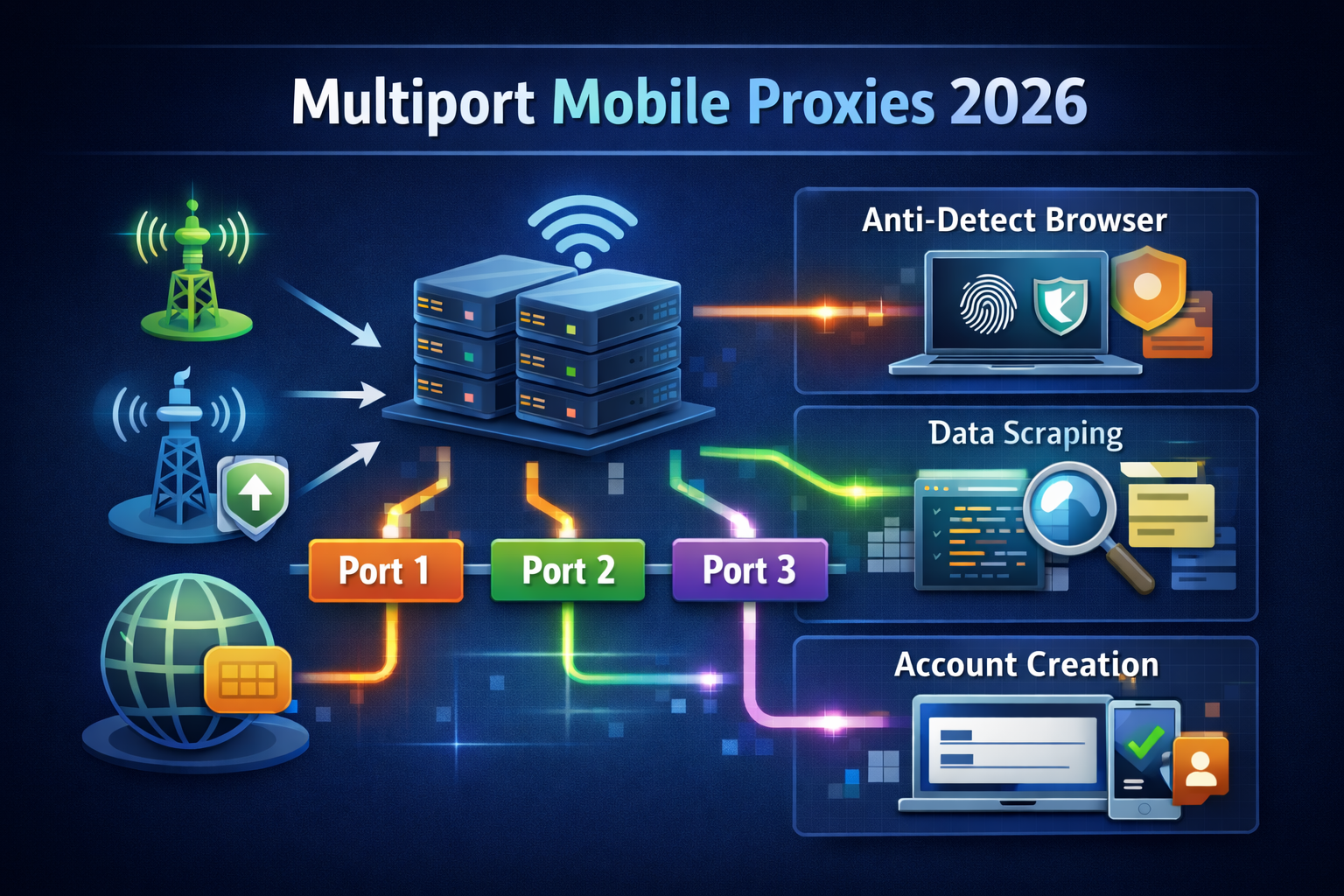
At LTESpace the per-connection address comes with the Multiport plan: there is one entry point, and every new connection leaves through a different IP from the carrier’s mobile pool. While a connection is open, the address stays the same; close it, open a new one, and you get the next address.
On the program side there are several ways to stop reusing connections:
- turn off keep-alive or connection reuse in the scraper’s settings;
- send the
Connection: closeheader, which closes the connection right after the response; - in your own code, create a new HTTP client for every request instead of a shared client or session;
- for HTTP/2, limit the program to one request per connection or switch to HTTP/1.1.
The easiest way to check the setup is curl: every run opens a new connection. Print the external address three times in a row, and Multiport returns three different IPs:
for i in 1 2 3; do curl -s -x http://LOGIN:PASSWORD@HOST:PORT https://api.ipify.org; echo; doneThe login, password, host and port are in the dashboard after purchase.
Why this does not work in a browser
A browser is the worst client for per-request rotation. It loads one page over several parallel connections, so the text, images and scripts would arrive from different addresses. The website would see one visitor who visited different points of the network within a second. After logging in, every next click would come from a new IP, and the login would keep dropping.
That is why Multiport is not intended for browser use. Browser profiles and antidetect browsers need a stable address for the whole session: a private channel with IP change by link or API, or a shared channel with timed rotation.
When per-request rotation helps
- collecting data where every page stands on its own: product cards, listings, catalogue pages, see proxies for web scraping;
- scheduled price and stock monitoring across many sellers;
- bulk checks of search results and ads, where every request is a separate check;
- polling open APIs that limit the number of calls from one address;
- parallel work in dozens of threads, where the load should be spread across the pool instead of piling up on one IP.
When it gets in the way
Changing the address on every request breaks everything a website ties into a session:
- logging in and anything done after that;
- a shopping cart, checkout and multi-step forms;
- paging through results where the next page depends on the cookies of the previous one;
- captchas: you solve one on one address, and the next request already comes from another;
- websites that bind the session token to the IP and reset it when the address changes.
Signs of the wrong choice are repeated login prompts, emptied carts and endless captchas. If they show up, the address needs to live longer, not change more often.
What to use instead of per-request rotation
If a task needs one address for a series of requests, there are three options:
- keep the connection open: on Multiport the address is bound to the connection, so a series of requests over one keep-alive connection leaves from one IP;
- timed rotation: the Shared channel changes the address every 2 or 5 minutes, Shared without waiting and Multiregion every 2 minutes;
- change by link or API: on a private channel the address changes only when you or your script ask for it; the timer can be set from 1 to 60 minutes or left off.
How to match the interval to a task is covered in detail in the mobile proxies with rotation guide. For bots and scripts that decide on their own when to change the address, see the mobile proxies for bots guide.
Per-request rotation with datacenter and mobile proxies
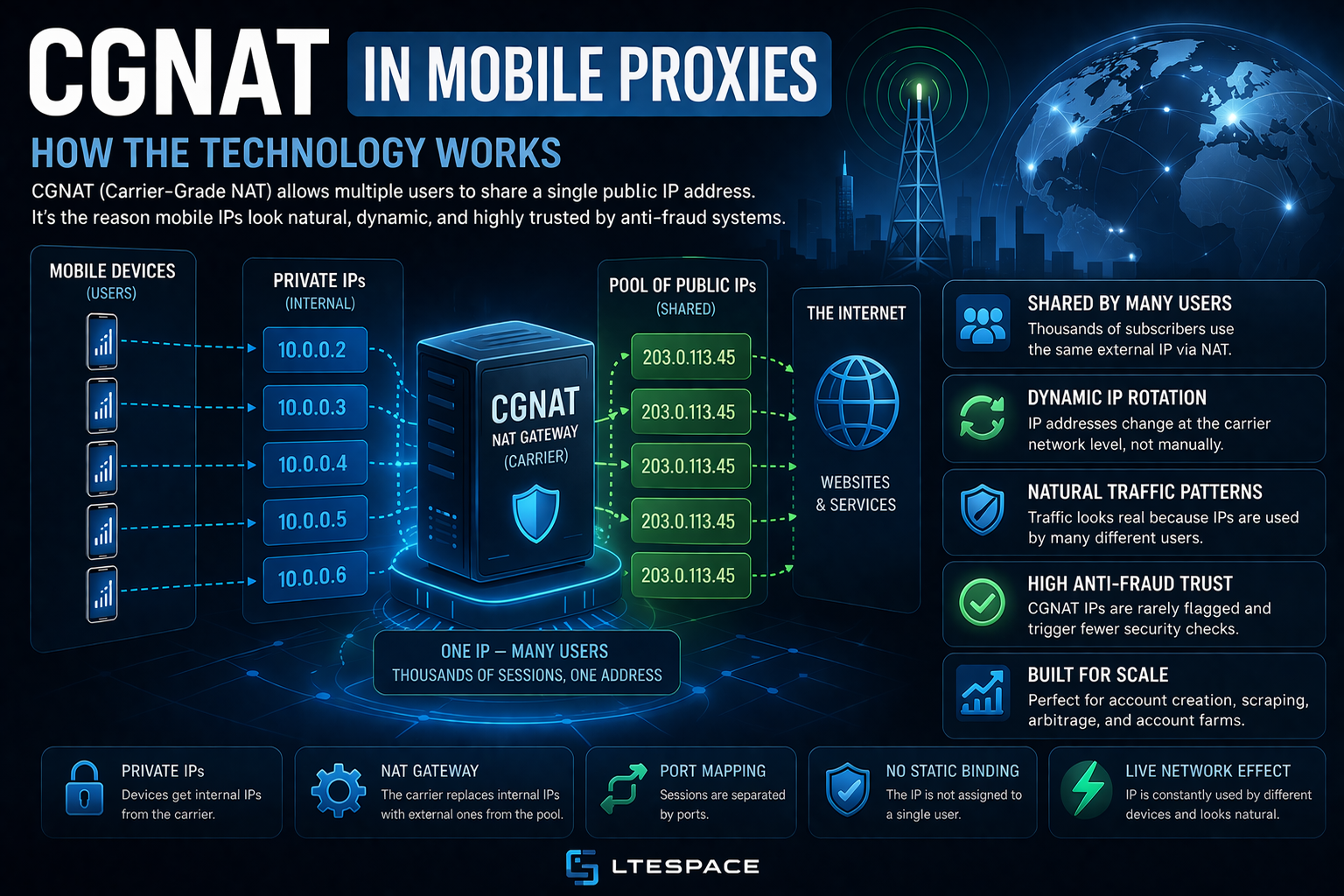
Datacenter IPv4 proxies also offer a new address per connection, and it costs less. The difference is where the addresses come from: datacenter ones belong to hosting subnets that platforms recognise easily and block in whole ranges, while mobile ones come from a carrier’s pool, where ordinary subscribers sit behind the same address. A detailed comparison is in rotating IPv4 proxies or mobile proxies.
Threads and limits on Multiport
The number of Multiport threads is chosen at purchase, up to 50 parallel connections. If the program opens more connections than it has threads, the extra ones are refused, so set the scraper’s thread count no higher than what you bought. The price is per thread: ~$8 a month or ~$1.6 a day, with unlimited traffic. You can connect over HTTP or SOCKS5; the difference is explained in the HTTP, HTTPS and SOCKS proxies guide.
You can pick the number of threads and see the final price in LTESpace pricing.
Summary
With mobile proxies, rotation per request works through connections: every new connection gets a new IP, not every call made inside it. For the address to change on every request, the program has to open a separate connection for it, without keep-alive or a shared client. This setup suits scraping and checks where every page stands on its own, and it hurts wherever there is a login, a cart or a captcha: those need a stable address for the whole session.