
 English
 Русский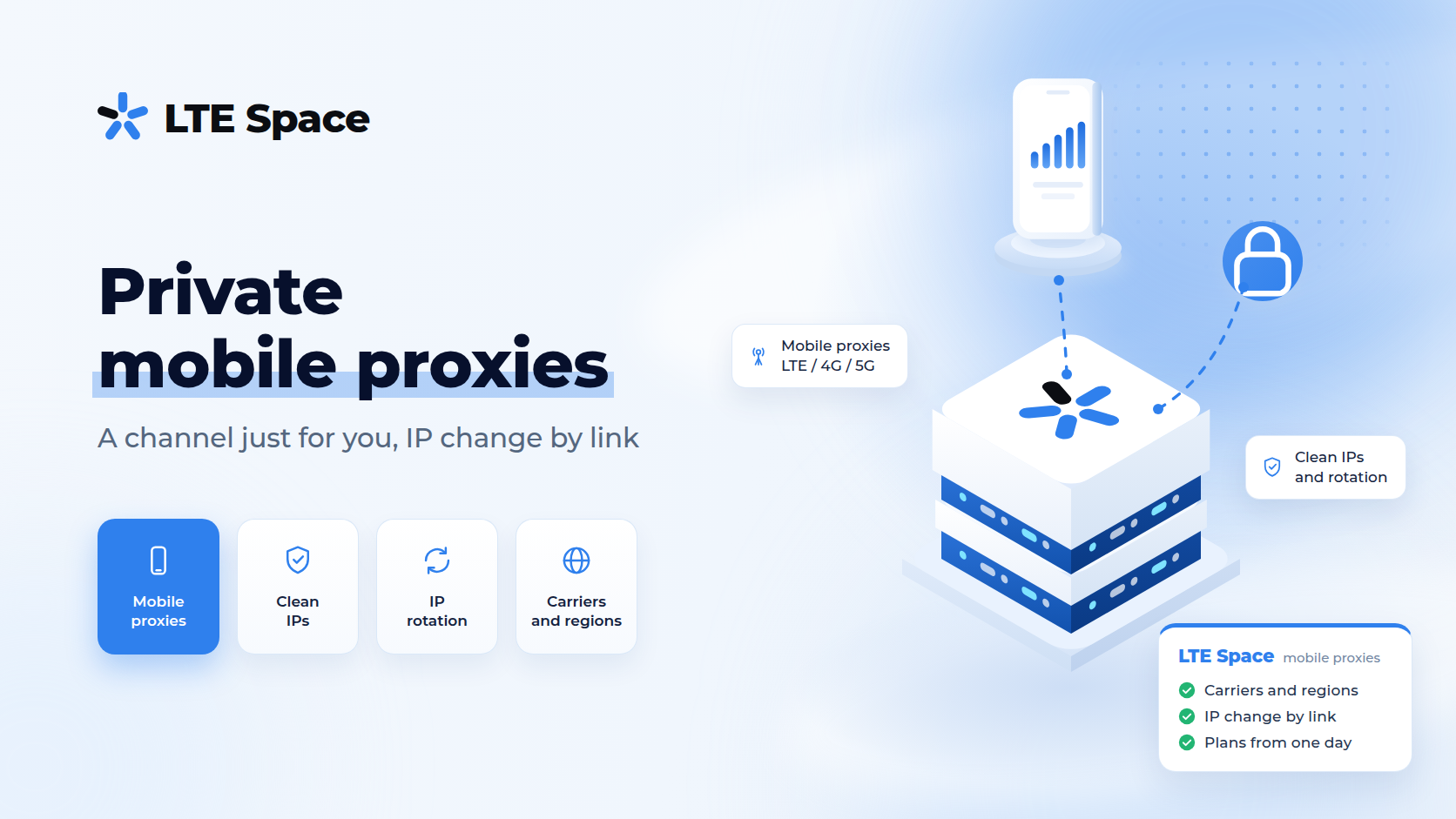
Private mobile proxies are a mobile channel assigned to a single user: nobody else works through it, and the IP address changes when you decide — by a link or at an interval you choose. In 2026 platforms pay close attention to who else has used an address and how often it changes, which is why a private channel has become the default for accounts, ad accounts and browser work.
How a private channel differs from a shared one
- who uses the channel — a private channel belongs to one client; a shared one is used by several clients at once;
- who controls IP changes — on a private channel you do: the address changes by a special link or at the interval you set. A shared channel changes the address on its own, on a timer;
- someone else’s history — no one else’s requests go through a private channel, so other people’s actions never land on your accounts;
- price — a private channel costs more because the modem and the SIM card work only for you.
Both go online through a mobile carrier, so in either case a website sees an ordinary subscriber’s address. The difference is control and who else shares the channel.
How the IP changes on a private channel
- by link — a new address at any moment: open the link from the dashboard or call it from your own script without touching the proxy settings;
- on a timer — an interval of your choice: 1, 2, 5, 10, 15, 30 or 60 minutes;
- manually — the timer is off, and the address stays until you trigger the link yourself.
For accounts, manual mode is the usual choice: the address holds for the whole session and changes only between profiles or on your command.
The lineup also includes Private without waiting: the address changes without a pause in the proxy’s work, so the connection does not sit idle during an IP change.
When you need private mobile proxies
- accounts and multi-accounting — one anti-detect browser profile, one channel, no address change mid-session. The workflow is in account registration with mobile proxies;
- ad accounts — an ad account should not see other people’s activity on its address, more in proxies for target marketers;
- social media and SMM — a steady mobile address, like an app user’s;
- browser work — long sessions where a drop caused by an IP change is not acceptable.
When a shared channel is enough
- scripts and monitoring with an even load;
- checking search results and ads in series of requests;
- collecting public data where price matters more than control over the address.
For parallel data collection in dozens of threads, multiport fits better — a new address for every connection.
Countries and prices
LTESpace offers private channels in every direction: Russia, Czechia, France, Georgia, Portugal and the USA. Prices for 30 days as of September 2026:
- Russia — $38.55, Private without waiting — $77.11;
- Portugal — $65;
- Georgia — $71.06;
- Czechia — $75;
- France — $79;
- USA — $85.
Rentals start at one day: a private channel in Russia costs $7.71 per day. France and Portugal have no 90-day term; the other countries do. Current prices, terms and free channels are shown in the calculator in the LTESpace plans. Country details are in mobile proxy geography.
How to connect
The channel works over HTTPS and SOCKS5 with login-and-password access. Set the proxy in an anti-detect browser profile or in your program’s settings. Choosing a protocol is covered in HTTP, HTTPS and SOCKS proxies: the difference, profile setup in mobile proxies in Dolphin Anty.
Summary
Private mobile proxies are a channel just for you: nobody else works through it, and the IP changes by link, at your interval or not at all. They are used for accounts, ad accounts and browser work. For scripts, monitoring and data collection, a shared channel or multiport is enough.