
 English
 Русский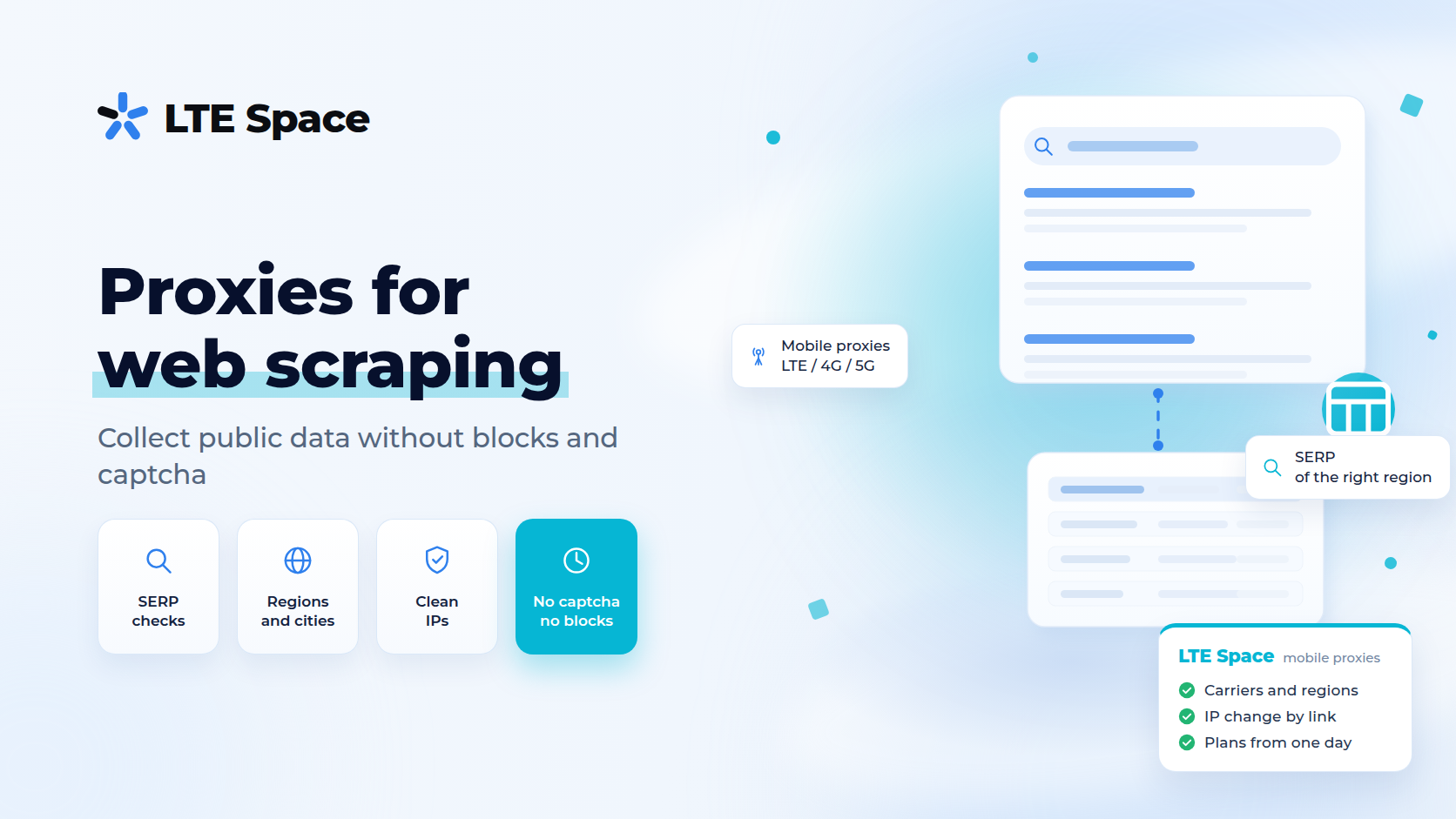
Proxies for web scraping are intermediate addresses through which a scraper collects data from websites, so the load does not come from a single IP. Scraping is used to collect prices and products from marketplaces, keyword data, search results, catalogues and listings. In 2026 almost every large website limits the number of requests per address, so without proxies data collection hits captchas and bans within the first few hundred pages.
Why scraping needs proxies
A website sees how many requests come from each IP and how fast. A person opens a few pages a minute, a scraper opens dozens a second. When the threshold is crossed, the site responds in one of several ways:
- shows a captcha instead of the page;
- slows down responses or returns error 429;
- blocks the address for a while or for good;
- serves trimmed or distorted data — the most dangerous option, because it is invisible.
Proxies spread requests across many addresses. Each one carries fewer requests, and the site sees ordinary traffic rather than one very active visitor.
Which proxies to choose for scraping
Free proxies are not fit for work: their addresses have long been blacklisted, they die quickly, and the server owner sees the traffic passing through. More in where free proxies come from.
Datacenter proxies are cheap and fast. They are enough for sites without serious protection: open catalogues, directories, your own projects. Protected sites recognise datacenter addresses and meet them with a captcha.
Mobile proxies go online through a carrier, and the site sees an ordinary subscriber’s address. Many people share that address, so blocking it does not pay off for websites. For marketplaces, search engines and social networks this is the most resilient option. The difference is explained in mobile vs datacenter proxies.
Geography matters as well: if you collect prices or search results for a specific region, the IP has to be from that region — see mobile proxy geography.
Which channel for which kind of scraping
- multiport — one entry point, and every new connection gets its own IP from the mobile pool. While a connection is open, the address stays the same. The limit is counted in parallel connections. It suits parallel collection in dozens of threads and is available for Russian carriers. More in multiport mobile proxies;
- a private channel — assigned to one user, the address changes by a special link or on a timer. It suits sequential collection from one site and scraping behind a login;
- a shared channel — the address changes on its own, on a timer. It suits undemanding collection where price matters more than control over IP changes.
Multiport suits programs that manage connections themselves. For work through an ordinary browser a private channel is simpler.
How to set up scraping through proxies
- No more threads than the limit. If the scraper opens more connections than the plan allows, some requests are refused.
- A session stays on one address. Login, cart, pagination with cookies — all of it is collected within one connection, without changing the IP halfway.
- Pauses between requests. On well-protected sites fewer threads with natural pauses yield more data than the maximum number of parallel requests.
- Browser-like headers. The User-Agent, language and header set should not give the script away.
- Response checks. The scraper has to tell a real page from a captcha, a stub or an empty response, or junk ends up in the table.
- Respect for the site. Collect only public data, without load that disrupts the site.
Collecting search results has its own guide — mobile proxies for scraping Google.
Summary
Proxies for web scraping spread requests across addresses so the site does not answer with captchas and bans. Datacenter proxies are enough for open sites; for marketplaces, search engines and social networks mobile proxies are more resilient. Parallel collection is easier through multiport, sequential collection through a private channel. Pick a channel for your task in the LTESpace plans.