
 English
 Русский
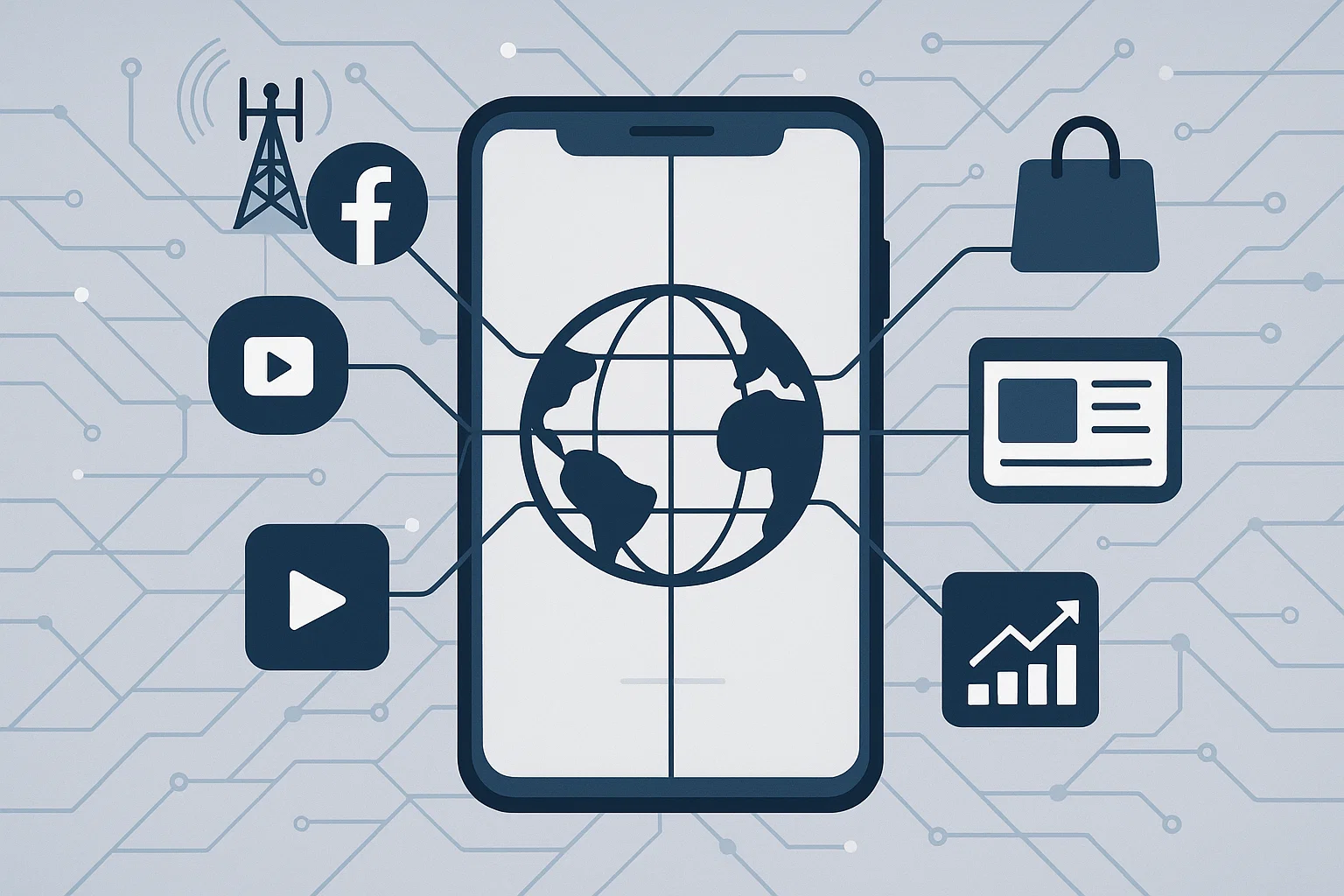
LTE proxies are mobile proxies that reach the internet through an LTE modem with a carrier’s SIM card: a website sees not a server but a mobile carrier’s address, the same as a person on a smartphone. Your program or browser connects to the proxy server, which forwards the requests through the modem on the cellular network. In 2026 such proxies are the main tool wherever platforms check where an address comes from: account work, advertising and data collection.
What LTE is and why it gets mixed up with 4G
LTE is the mobile technology fourth-generation networks are built on. In everyday use LTE and 4G mean the same thing, so “LTE proxies”, “4G proxies” and “4G LTE mobile proxies” are names for one product. For working through a proxy, what matters is not the name of the standard but the fact that the address belongs to a mobile carrier.
How an LTE proxy works
- A modem with a SIM card is connected to the carrier’s network and gets a public address from it.
- The carrier lets many subscribers out to the internet through a shared address — a technology explained in CGNAT in mobile proxies.
- You connect to the proxy server with a login and password, and your requests go out through that modem.
- An IP change means the modem reconnects to the carrier’s network on a timer or by a link, while on multiport every new connection simply leaves through a different address from the mobile pool.
That is why blocking a mobile address does not pay off for a platform: it would cut off the carrier’s ordinary subscribers along with it. More in how websites detect mobile proxies.
LTE, 4G and 5G: what matters for a proxy
- the address — in any generation it is a mobile carrier’s address, and platforms trust it the same way;
- speed — depends not only on the standard but on the load of the cell tower and the proxy channel. LTE is more than fast enough for accounts, ads and checking search results; an LTESpace channel delivers up to 45 Mbit/s;
- coverage — LTE is available almost everywhere, 5G is still mostly in big cities.
The generations are compared in detail in mobile 5G proxies vs 4G.
LTE SOCKS and HTTP: which protocol to choose
LTESpace mobile proxies work over two protocols:
- HTTPS — suits browsers, extensions and most programs that work with websites;
- SOCKS5 — a general-purpose protocol for programs that need more than web traffic: bots, messengers, clients with their own connections.
When people search for “LTE SOCKS”, they usually mean exactly a mobile proxy over SOCKS5. Choosing a protocol for a task is covered in HTTP, HTTPS and SOCKS proxies: the difference.
What LTE proxies are used for
- registering and running accounts on social networks and marketplaces;
- ad accounts and media buying;
- checking search results and ads from the right country or region;
- collecting data from sites that block datacenter addresses;
- automation and AI agents working with websites.
How much LTE mobile proxies cost
LTESpace prices for Russia for 30 days as of September 2026:
- Shared — $7.95: the address changes on its own every 2 or 5 minutes;
- Multiport — $7.95: a new IP for every connection;
- Multiregion — $10.56: addresses from different regions of Russia, changing every 2 minutes;
- Shared without waiting — $15.90: a change every 2 minutes with no pause in the proxy’s work;
- Private — $38.55: a channel only for you, IP change by link or on your timer, more in private mobile proxies.
Rentals start at one day; a shared channel costs $1.59 per day. Besides Russia, there are Czechia, France, Georgia, Portugal and the USA. Current prices and free channels are in the calculator in the LTESpace plans; IP changes are explained in mobile proxies with rotation.
How to choose an LTE proxy
- Country and carrier — the address should match the market of the task, see mobile proxy geography.
- Channel type — private for accounts, shared for monitoring, multiport for parallel data collection.
- IP change — manual for long sessions, on a timer for spread-out load.
- Protocol — HTTPS for the browser, SOCKS5 for programs.
- Term — a day for a test, a month or longer for ongoing work.
Summary
LTE proxies are mobile proxies running through a carrier’s LTE modem, and to the user they are the same thing as 4G proxies. What counts is the carrier’s address, which platforms trust more than a datacenter one. Choose by country, channel type, IP change mode and protocol — and start with a one-day rental.