
 English
 Русский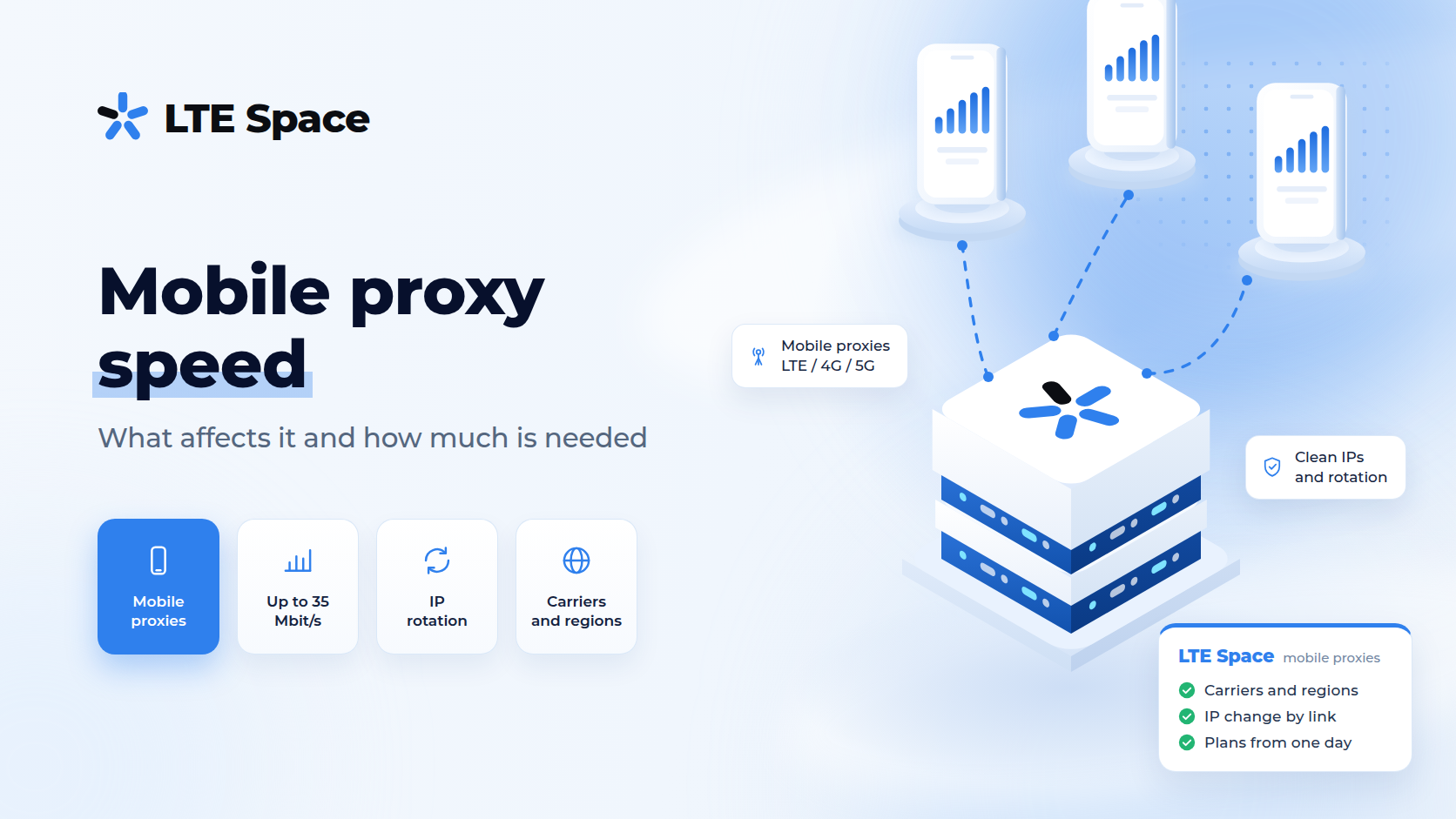
Mobile proxy speed is how quickly data travels from a program to a website and back through a modem on a cellular network. It combines two things: bandwidth, measured in megabits per second, and latency, the time it takes for a reply to arrive. In 2026, people choose mobile proxies for the trust websites place in carrier addresses rather than for record speed, but knowing what drives speed and how much a task needs helps avoid overpaying and slow work.
What proxy speed is made of
When a program opens a site through a mobile proxy, the request travels a long way: the user’s computer, the proxy provider’s server, a modem with a SIM card, the carrier’s cell tower, the carrier gateway and only then the website. The reply comes back the same way. Speed is set by the slowest link in this chain.
That gives two measures:
- bandwidth — how much data the channel carries per second. It decides how fast heavy pages, images and files load;
- latency (ping) — how long a request takes to travel there and back. It decides how quickly each page and each new connection starts loading.
For most proxy work — browsing, account management, collecting text pages — latency matters more than megabits: a page weighs little, but the site gets many requests.
What affects mobile proxy speed
- cell tower load — the modem shares the tower with ordinary subscribers. In the evening, when more people use the network, speed is usually lower than during the day;
- signal quality — a modem with strong reception works faster than one at the edge of coverage;
- network standard — LTE is noticeably faster than 3G, and 5G, where available, is faster than LTE. The standards are compared in LTE proxies;
- channel type — on a shared channel several clients use one modem; on a private channel the modem works for one client;
- distance — the farther apart the user, the proxy server and the website are, the higher the latency;
- the user’s own connection — a proxy cannot run faster than the link used to reach it;
- thread count — dozens of parallel connections through one channel split its bandwidth between them.
Because of these factors, mobile proxy speed is not constant: it changes during the day and from modem to modem. That is a normal property of a cellular network, not a fault.
LTESpace channel speeds
On LTESpace Russian plans, speed depends on the channel type:
- shared channel — up to 5 Mbit/s, with the address rotating every 2 or 5 minutes. Several clients share the channel;
- shared channel without waiting — 5–10 Mbit/s, rotation every 2 minutes. On a regular shared channel a connection may wait up to 5 seconds for the new address during an IP change; this one skips the wait;
- private channel — 5–35 Mbit/s, the modem belongs to one client, and the address changes through a link or automatically.
Traffic is unlimited on every plan, so speed does not drop after some volume. Where unlimited plans do have limits is covered in unlimited mobile proxies.
How much speed a task needs
- browser work and accounts — social networks, ad dashboards, marketplaces. A few megabits are enough here: a stable address and low latency matter more;
- scraping text pages — catalogs, prices, search results. Each page is light, so collection speed depends on latency and thread count rather than megabits;
- scraping through a browser — JavaScript sites load scripts and styles, and spare bandwidth starts to matter;
- video and large files — streaming and downloads need the most speed. These need a private channel, and for mass file downloads mobile proxies are not the best tool at all.
If raw speed matters more than website trust, datacenter proxies are faster and steadier. Both types are compared in the difference between mobile and datacenter proxies.
How to test proxy speed
- Open a speed test through the proxy — in a browser or profile where the proxy is already set up. It shows the speed and latency of the whole chain, not just the modem.
- Compare with a direct connection — a test without the proxy shows what the user’s own internet delivers.
- Test several times — during the day and in the evening, because network load changes.
- Judge by the task, not the number — the time it takes to open the needed page in the working program shows more honestly whether speed is sufficient.
If speed stays well below normal for a long time, it is worth contacting support with the test results attached: that makes it easier to tell whether the cause is the modem, the carrier network or the user’s own connection.
Download and upload speed
On cellular networks, speed toward the user is usually higher than speed from the user: the network is built on the assumption that subscribers watch and download more than they send. For a proxy, this means opening pages and downloading run faster than uploading files to a site.
The difference shows up in upload-heavy work: product photos for a marketplace, video posts on social networks, large file uploads. When such tasks are frequent, it is worth checking the upload figure in the test specifically and avoiding several heavy uploads at once through one channel.
Why a speed test and real work show different results
A speed test service usually picks the server closest to the modem and downloads through several connections at once, which shows the channel’s maximum. A real task works differently: the website may be in another country, the program often uses a single connection, and every new page begins with a handshake and a wait for the server.
So a high test number does not guarantee fast work with a particular site, and a modest one does not mean the task will lag. The most honest measure is the time the needed page takes to open in the working program.
How to speed up work through a mobile proxy
- avoid a new connection for every request unless it is needed — every new HTTPS connection to a site needs its own handshake, which adds delay. When a new address per request is not required, reusing connections speeds things up. Details are in proxy rotation per request;
- avoid changing the IP too often — each address change pauses work while the modem reconnects;
- keep a sensible thread count — a few threads use the channel fully, while dozens start getting in each other’s way;
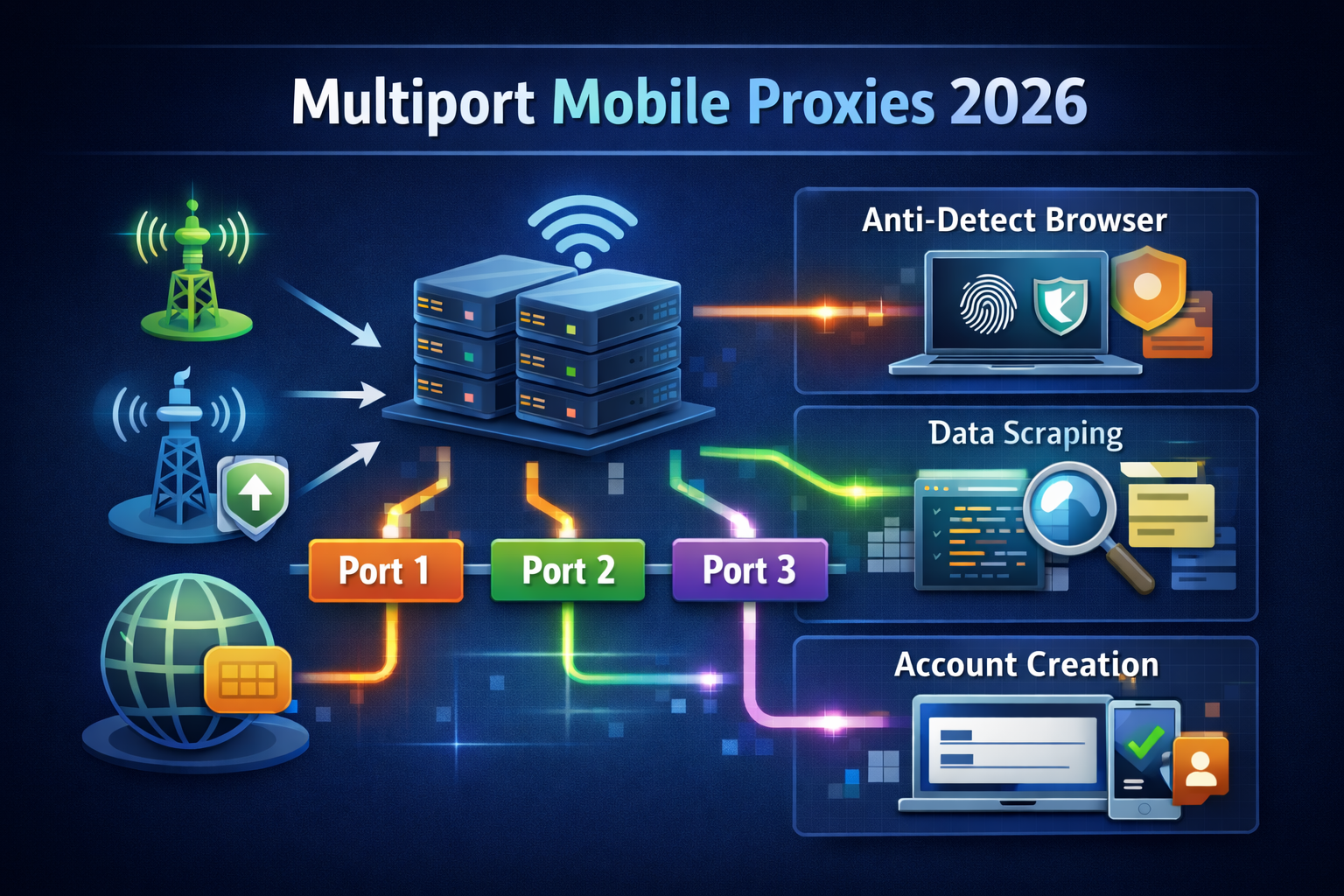
- match the channel to the load — a private channel for heavy tasks, and for parallel collection in dozens of threads, multiport, where each connection exits through its own IP;
- match the protocol to the program — HTTPS suits browsers, SOCKS5 suits other traffic. The difference is explained in HTTP, HTTPS and SOCKS5 proxies.
Conclusion
Mobile proxy speed depends on carrier network load, signal, network standard, channel type and thread count, so it changes during the day. With LTESpace, a shared channel gives up to 5 Mbit/s, a shared channel without waiting 5–10 Mbit/s and a private channel 5–35 Mbit/s, with unlimited traffic. That is more than enough for accounts and text scraping, while heavy tasks call for a private channel. A channel for the task can be chosen in LTESpace pricing.