English
 Русский
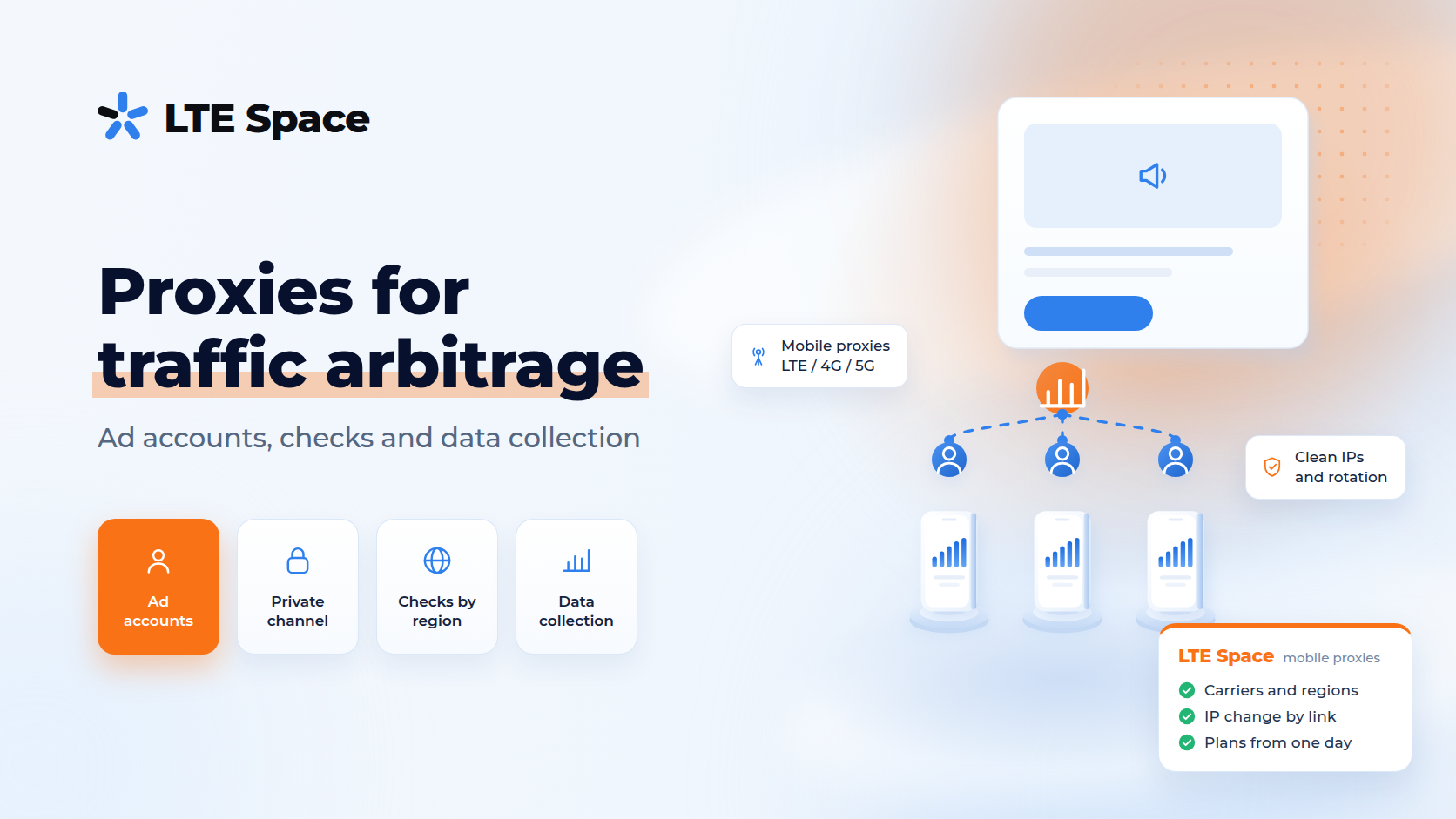
Arbitrage proxies are proxies that media buyers use in traffic arbitrage, and the ones that work best are mobile: requests go out through carrier modems, so the ad platform sees an ordinary mobile address instead of a data center server. In 2026 ad networks look harder at where people log in to accounts and where ads are viewed from, and a carrier address has become a working tool for arbitrage teams alongside the antidetect browser. This article covers which tasks proxies handle in arbitrage, which plan fits each one, how many channels to get and what proxies can’t fix.
Why media buyers use proxies
What traffic arbitrage is has its own article. Here is where a proxy fits into the work:
- logging in to ad accounts from a stable address in the country you work with, instead of a random cafe network or a server;
- teamwork — when people in different cities open the same client’s accounts and the platform should see a familiar address;
- checking ads and landing pages the way a visitor from a given country and region sees them: placement, creative, price, language;
- collecting market data — competitor ads, prices, search results by keyword without IP blocks.
Checking ads by region is covered in detail in ad verification proxies.
Why mobile proxies and not data center ones
Platforms recognize data center addresses by the network owner. Logging in to an ad account from one often triggers extra checks. A mobile address looks different: hundreds of subscribers share one carrier IP through CGNAT, and blocking it would hit ordinary people. That is why platforms treat mobile IPs more cautiously.
A detailed comparison is in mobile vs data center proxies, and what antifraud systems actually check is in mobile proxies and antifraud in 2026.
Which LTESpace plan fits which task
Prices below are for Russian channels per month, and traffic is unlimited on every plan:
- Private — ~$40. The channel belongs to one user. The IP changes by link or API, or on a timer from 1 to 60 minutes. It fits ad accounts: with change by link, the address stays the same for the whole session. A day costs ~$8, which is handy for a trial;
- Private without waiting — ~$80. The same private channel without a pause when the IP changes;
- Multiregion — ~$11. Exits through different regions of Russia, all carriers or one of your choice. It fits checking ads by region;
- Shared — ~$8. Up to five clients per channel, and the IP changes on its own every 2 or 5 minutes. It fits checking creatives and collecting data, but not logging in to accounts, because the address changes on a timer;
- Shared without waiting — ~$17. A shared channel without a pause when the IP changes;
- Multiport — ~$8. A new IP for every connection, with the number of threads chosen at purchase. It fits data collection by software. It isn’t used in a browser.
Besides Russia, LTESpace has channels in other countries — see mobile proxy geography. Plans and periods are in LTESpace pricing.
How many channels you need
Platforms link accounts that log in from the same address. For an agency running accounts for different clients, this means a review of one client can affect the others. That leads to a few simple rules:
- one private channel per media buyer or per browser profile with working accounts;
- a separate channel for each large client if their accounts shouldn’t overlap;
- Shared or Multiregion for checks — these don’t need splitting by person, only by task;
- Multiport for data collection — as many threads as the software really needs.
You can start with one channel for a day, see how accounts and tools behave, and then add as many as you need.
How to set up a workstation
A proxy works together with a browser profile. For each profile:
- the proxy goes into the antidetect browser — the steps are in the Dolphin Anty with mobile proxies guide;
- the profile time zone and language match the proxy country — why this matters is covered in time zone and antifraud;
- the address and profile get a normal history before launch — see IP warm-up before launching ads;
- the IP stays the same while you work in an account — on a private channel choose change by link and switch the address between sessions.
What mobile proxies can’t fix
A proxy only changes the address you log in from. It doesn’t make an ad acceptable and doesn’t protect against a suspension for breaking the rules:
- a prohibited offer gets rejected from any address;
- cloaking is caught by what the site shows, not by the advertiser’s address — more in what is cloaking;
- getting around a suspension with new accounts falls under Google’s circumventing systems policy, just like cloaking. New accounts of the same advertiser may be suspended too.
Mobile proxies help where the work is honest and the trouble comes from the address: a server login, the wrong region, an IP shared with strangers.
Common mistakes
- free and public proxies — platforms have known these addresses for years, and account data passes through someone else’s server;
- Multiport in a browser — a new IP for every connection, so the account sees dozens of addresses a minute;
- a shared channel with timed rotation for account logins — the address changes mid-session;
- a time zone and language that don’t match the proxy country — a common sign of spoofing for antifraud;
- dozens of unrelated accounts on one address — a problem with one affects them all.
More are covered in mobile proxy mistakes.
Summary
Arbitrage proxies are needed to log in to ad accounts from a stable carrier address, check ads by region and collect market data. A private channel with change by link fits ad accounts, Multiregion or Shared fits checks, and Multiport fits data collection. A proxy won’t save an account from a ban for breaking platform rules: it solves address problems, not ad problems.