

 English
 Русский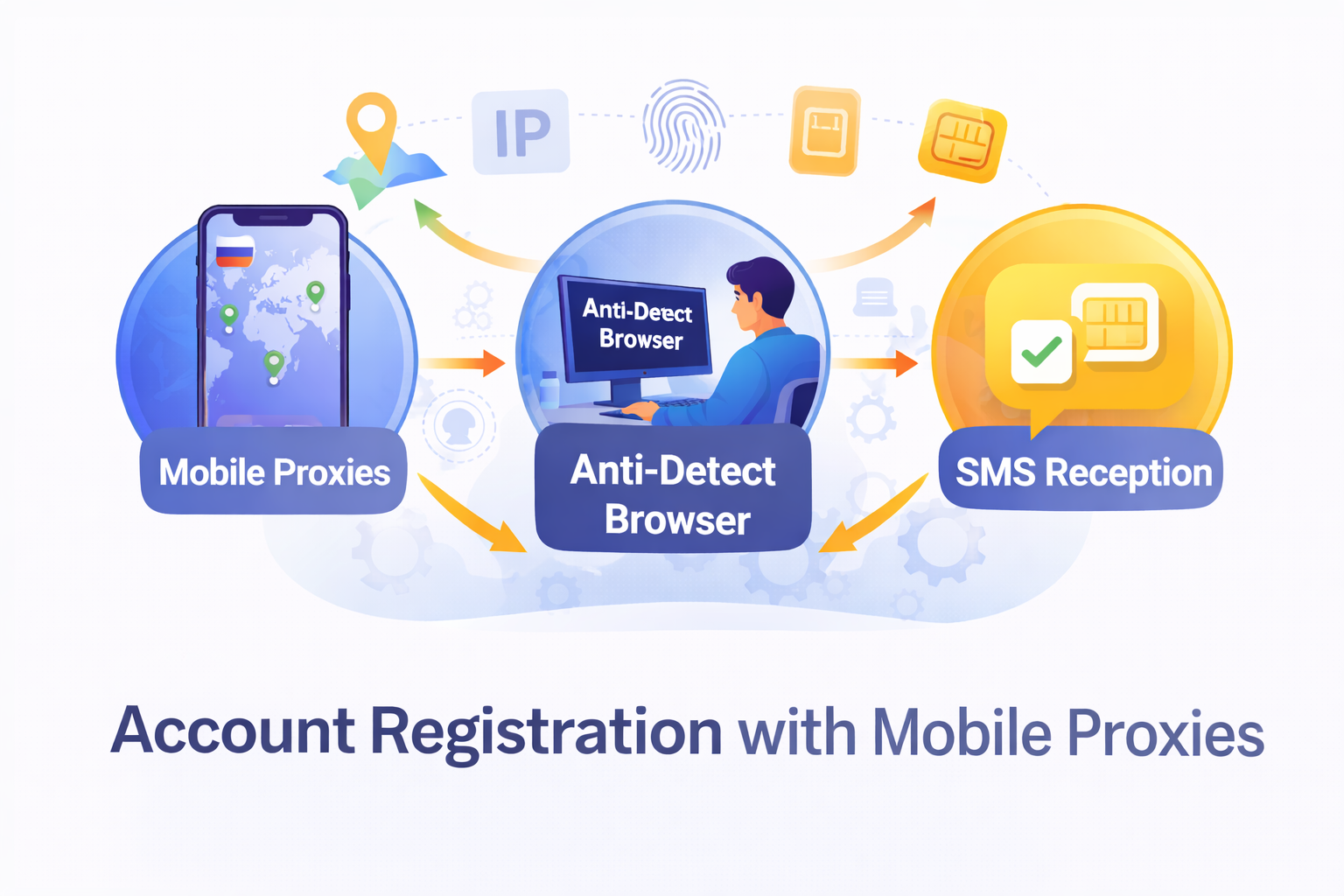
A mobile proxy can be part of a permitted account-registration workflow, but it does not replace platform rules or authorization checks. Before starting, confirm that the service permits the profile and that you own, or are duly authorized to use, the submitted details and verification methods.
Signals that may be considered during registration
A platform may compare the exit IP, ASN and address reputation with cookies, localStorage, browser and device properties, language, time zone, location, action sequence and session history. The platform determines which signals it uses and how it weighs them.
Several profiles using the same exit IP and matching environments may be associated by the system. A shared address alone does not prove common ownership, but combined with matching browser state and behavior it becomes one observable factor. This makes IP quality and reputation, as well as connection stability, relevant.
What a mobile proxy can and cannot do
A mobile proxy changes the network route and the exit IP visible to the destination service. It does not hide other client signals or correct inconsistent profile data, browser state or user actions.
A typical browser extension often proxies only the supported traffic of that browser, while a web anonymizer handles a request inside a third-party web page. Neither provides complete isolation of cookies and browser state. Connection choices depend on the application; the guide to HTTP, HTTPS and SOCKS5 explains the technical differences.
A separate browser profile
Use a separate browser profile for each permitted working identity. This helps prevent logins, history and local settings from being mixed. Keep the profile assigned to its genuine, legitimate workflow.
An anti-detect browser does not automatically prevent profiles from being associated. Inconsistent settings, a shared IP, reused details and matching action patterns may still be evaluated by the platform. Isolation is an operational control, not a promise of invisibility.
Cookies, localStorage and profile state
Cookies maintain sessions, while localStorage and related stores retain website and application state. Browser profiles isolate these records and some settings, but they do not guarantee invisibility or remove other signals.
Do not transfer cookies between independent profiles or open different working identities in one browser state. Treat each profile as one controlled unit and clear data only for a documented reason: arbitrary clearing during confirmation can break a legitimate session.
Location, language and time zone
The exit country and city, interface language and time zone should match a legitimate working scenario, not impersonate someone else or claim a false location. Accidental contradictions among these settings may prompt additional review.
Check the settings before the session begins, record the expected values and do not change them without an operational reason.
Phone number verification
A phone number is needed only where the platform actually requires verification. You must be authorized to use the submitted number and comply with the service terms, personal-data requirements and applicable telecommunications rules.
Do not add a phone number “just in case” or use another person’s details. If a specialized service is selected for a legitimate workflow, first confirm that its use is allowed; the reference about Tiger-SMS and mobile proxies does not replace the rules of the specific platform.
A stable IP session during registration
Prefer one stable IP session while submitting the form, receiving a challenge and completing confirmation. Quality, reputation and freedom from unexpected disconnects matter more than frequent address changes.
Do not change the IP in the middle of one authenticated operation without a genuine technical need. If the connection fails, record the event and follow the platform’s recovery procedure instead of repeatedly resubmitting the form.
When IP rotation is appropriate
Rotation is appropriate between independent, permitted tasks after the previous session has ended. It must not be used as a way to bypass platform rules, limits or checks.
The interval and change method should match the application and proxy-service terms. The guide to mobile proxies with rotation describes the available approaches.
Actions after registration
Store permitted recovery details promptly, review active sessions and assign an accountable profile owner. Do not place verification codes or personal data in publicly accessible logs.
If a challenge, warning or document request appears, pause automation and use the platform’s prescribed process. Do not try to conceal the event by changing the IP or creating a replacement profile.
Scaling permitted processes
Scaling should rely on profile isolation, task queues, limits and logs. For each profile, record the legitimate purpose, owner, browser state, proxy session, outcome and reason for any retry.
Limit concurrency according to platform rules and the workflow’s technical capacity. Several profiles must not share one browser state at the same time; a common exit IP and matching environment may allow the system to associate them.
Platform limitations and rules
A proxy does not guarantee registration, anonymity or freedom from restrictions. It does not grant permission to create additional accounts, impersonate another person, automate prohibited actions or exceed limits.
You must comply with the rules of the specific platform, applicable law and third-party rights. If the terms prohibit the planned workflow, change or stop it regardless of the availability of proxies or other tools.
Frequently Asked Questions
Do mobile proxies guarantee successful registration?
No. A proxy changes the network route and exit IP, but the platform may also evaluate the browser state, device signals, location consistency, behavior and its own eligibility rules. Registration, anonymity and freedom from restrictions are not guaranteed.
Should I use a separate browser profile?
A separate profile is advisable for each permitted working identity because it isolates cookies, localStorage and some settings. This reduces accidental state mixing but does not make the profile invisible or automatically unrelated to other profiles.
Should I keep one IP during registration?
Preferably, yes. Keep a stable session while submitting the form, receiving a legitimate challenge and completing confirmation. Do not change the IP in the middle of one authenticated operation unless a genuine technical need requires it.
When can I change the IP?
Rotation is appropriate between independent, permitted tasks after the previous session has ended. It should follow the workflow and provider settings, not be used to bypass platform rules or conceal prohibited activity.
Is phone verification always required?
No. Use a phone number only when the platform actually requests verification, and only if you are authorized to use that number. Follow the platform terms and applicable requirements for personal data and telecommunications services.
How do cookies relate to multiple accounts?
Cookies and localStorage retain session and application state. Reusing one browser state across accounts can mix identifiers and sessions, while several profiles using the same exit IP and matching environments may still be associated by the platform.
What matters when registering several permitted profiles?
Document the legitimate purpose and ownership, isolate browser state, use queues and platform-compatible limits, keep session and recovery records, and stop for review when a challenge or policy warning appears.