

 English
 Русский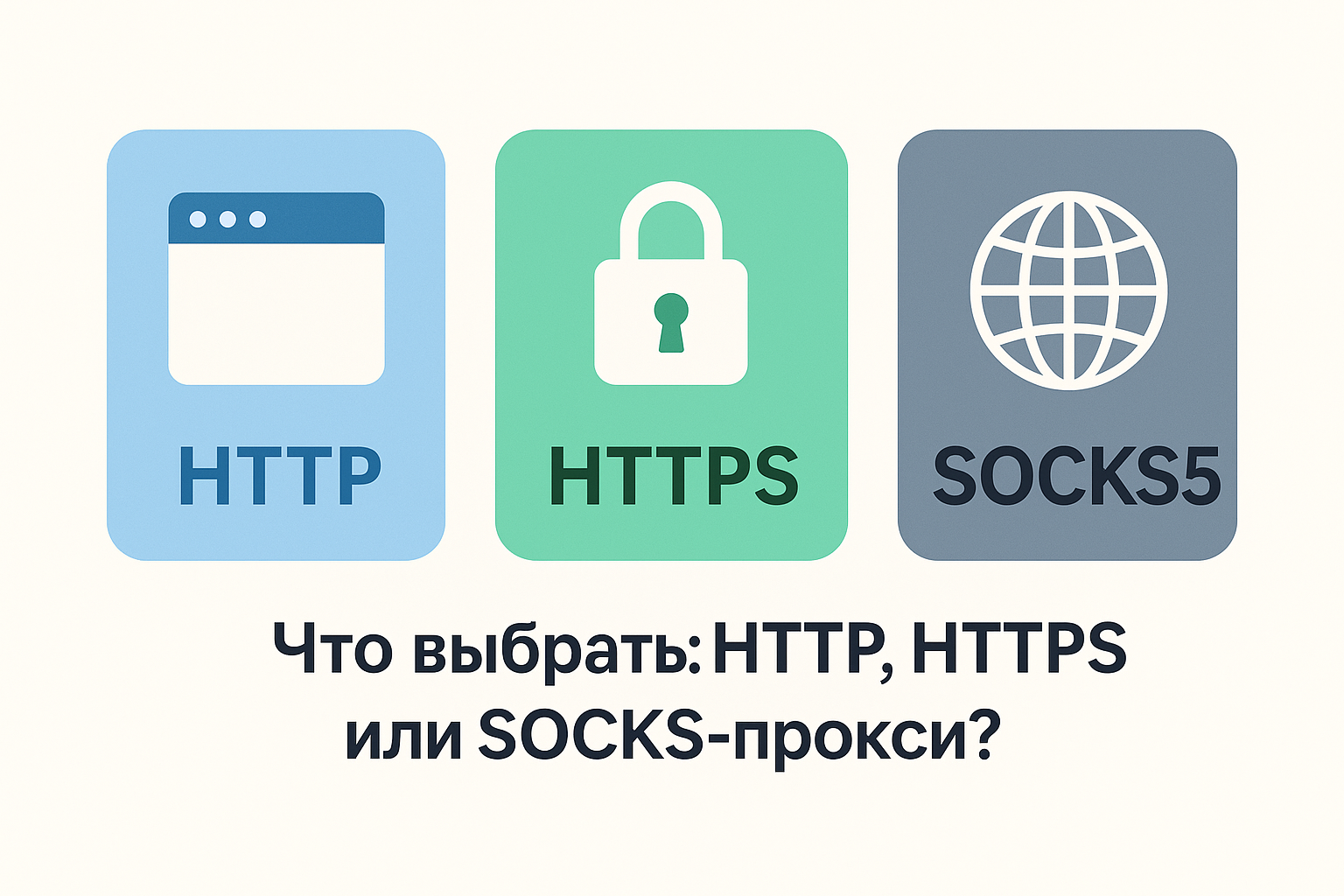
HTTP, HTTPS and SOCKS5 are often listed as equivalent choices even though they describe different parts of a connection. No option is automatically the fastest, safest or best for every application: start with the traffic the client needs to carry and the modes it actually supports.
What a proxy protocol means
In application settings, “proxy protocol” usually means the method the client uses to communicate with the proxy server. An HTTP proxy operates at the application layer on HTTP requests: the client sends a request for a web resource, and the proxy connects to the destination server and returns its response.
SOCKS5 works below the application-level semantics of HTTP. It receives commands to establish connections and carries the resulting data stream without treating it as an HTTP request. SOCKS5 can therefore serve non-web clients when the application has SOCKS support.
The term “HTTPS proxy” is ambiguous. It may refer to an HTTP proxy used to open HTTPS websites through CONNECT, or to a proxy connection where the client-to-proxy leg is itself protected by TLS. These are not the same property.
Comparing HTTP, HTTPS and SOCKS5
The table separates encryption to the destination website from protection of the connection to the proxy. A particular client or service may impose additional restrictions.
| Property | HTTP proxy | HTTP CONNECT / “HTTPS proxy” | SOCKS5 |
|---|---|---|---|
| Operating layer | Application layer; processes HTTP requests | An HTTP command creates a TCP tunnel; destination TLS runs inside it | Below the HTTP application layer; carries connections without parsing HTTP |
| HTTP/HTTPS traffic | HTTP directly; HTTPS when CONNECT is supported | HTTPS through a tunnel; HTTP may be handled as by a regular HTTP proxy | Carries HTTP and HTTPS as TCP traffic |
| Arbitrary TCP | Generally no | Technically possible through CONNECT, but the client or service may restrict destinations and ports | Yes, with the CONNECT command when supported by the application |
| UDP | No | Not in a regular CONNECT tunnel | UDP ASSOCIATE is defined, but both the client and proxy service must actually support it |
| DNS through proxy | Possible when the client sends a hostname; mode-dependent | Possible when CONNECT carries a hostname; depends on the client and proxy | Possible with remote/proxy DNS modes such as socks5h; not automatic in every client |
| Built-in encryption | None | Destination TLS protects client → website; client → proxy is protected only by an explicit TLS-to-proxy mode | None |
| Browser compatibility | Broad | Broad for HTTPS websites through CONNECT; TLS to the proxy itself is not supported by every client | Depends on the browser, system settings, extension and authentication method |
| Typical uses | Web requests, HTTP APIs and tools with an HTTP proxy setting | Opening HTTPS websites and carrying web clients through a tunnel | SOCKS-aware applications, arbitrary TCP and proxy-side DNS; UDP when support is confirmed |
How an HTTP proxy works
For a regular HTTP request, the client gives the proxy the method, resource address, headers and request body. The proxy can simply forward the request or, when implemented and configured to do so, apply access rules, modify headers or use a cache. The term HTTP proxy does not guarantee that every implementation provides those features.
It is incorrect to say that every HTTP request necessarily creates a new TCP session. HTTP/1.1 supports persistent connections, allowing multiple requests to use one connection sequentially. HTTP/2 supports multiplexing, allowing multiple streams to share one HTTP/2 connection when that version is negotiated on the relevant leg. The client, proxy and destination can use different HTTP versions on different legs.
Regular HTTP does not encrypt its content. Protected web access relies on TLS to the destination website, commonly carried inside a CONNECT tunnel.
HTTPS websites, CONNECT and the protected channel
To open an HTTPS website through an HTTP proxy, a client commonly sends CONNECT example.com:443. The proxy establishes a TCP connection to that destination and, after a successful response, relays bytes in both directions. The client then performs the TLS handshake with the destination website inside the tunnel.
HTTPS at the destination means TLS between the client and the website through the tunnel. With ordinary CONNECT, the proxy does not terminate that TLS session or receive the plaintext HTTPS request. It can still see connection metadata, including the destination; dedicated TLS inspection systems behave differently and require a separately configured trust model.
When a service labels a connection “HTTPS proxy,” check what is protected. CONNECT access to HTTPS websites does not by itself prove that the initial client-to-proxy leg uses TLS. That leg is encrypted only when both the service and client explicitly support a TLS connection to the proxy.
The correct modern term for protected connections is TLS, not the obsolete SSL label. HSTS is a browser policy that requires a particular website to be opened over HTTPS. It is not an alternative to SOCKS5 and is unrelated to proxy protocol selection.
How SOCKS5 works
A SOCKS5 client first negotiates an authentication method with the proxy, then sends a command and destination address. The CONNECT command creates a TCP connection, after which the proxy relays the application stream without interpreting HTTP methods or headers.
SOCKS5 also defines UDP ASSOCIATE for sending UDP datagrams through an associated UDP relay. This is a protocol capability, not a promise that every setup will work: the application, networking library and proxy service must all support UDP.
SOCKS5 does not encrypt traffic by itself, protect against attacks or guarantee anonymity. Content is protected only by the application protocol or another secure layer. SOCKS5 authentication methods also vary, and username/password support in a browser may depend on the browser, operating system and extension.
DNS through the proxy: local and remote resolution
A domain name must be converted to an IP address before a connection can be made. With local resolution, the user's device asks its configured DNS resolver and gives the resulting IP to the proxy. With remote resolution, the client sends a hostname and the proxy side resolves it.
SOCKS clients use different labels for these modes. In cURL, for example, socks5:// normally requests local resolution, while socks5h:// sends the hostname to the proxy. Other applications use settings such as remote DNS or proxy DNS, so the behavior must be verified in the specific client's documentation.
An HTTP proxy can also resolve DNS when it receives a hostname in an HTTP request or CONNECT command. If the application substitutes an IP address first, resolution has already happened locally. The blanket statement that “DNS always goes through SOCKS5” is therefore inaccurate.
How to choose a protocol for your task
Start with the application's documentation and the required traffic type, not a universal protocol ranking.
HTTP/CONNECT
- browsers and HTTP clients;
- web requests and HTTP APIs;
- tools that expose an HTTP proxy setting;
- HTTPS websites when both client and proxy support CONNECT.
SOCKS5
- applications with native SOCKS support;
- arbitrary TCP connections;
- workflows that require proxy-side DNS resolution;
- UDP only when the client and proxy service actually support it.
Applications need real HTTP CONNECT or SOCKS5 support, including a compatible authentication method. Do not choose a protocol based on a promise of universal speed or safety: performance depends on routing, load and implementation, while security depends on TLS and application configuration.
What matters when using mobile proxies
The LTESpace interface offers HTTPS and SOCKS5. The choice depends on support in the specific application or browser.
Available connection options are presented on the LTESpace mobile proxy website. For longer workflows, align the protocol with the IP rotation strategy so that an address change does not interrupt an active session.
A destination website usually sees the exit IP and ASN, TLS/HTTP fingerprint, headers, geography, request frequency and client behavior. The protocol on the client-to-proxy leg normally terminates at the proxy and is not a direct signal exposed to the destination. Client configuration can still indirectly affect the network and HTTP profile that the destination observes.
For mobile proxies, exit IP quality and geography, carrier ASN, session stability, correct rotation, application compatibility and consistent request behavior matter more. SOCKS5 does not create website trust or “anti-fraud resistance” by itself, and changing the proxy protocol does not automatically trigger or prevent checks.
Frequently Asked Questions
Does SOCKS5 encrypt traffic?
No. SOCKS5 routes connections but does not add encryption. Protection must come from the application protocol, such as TLS for an HTTPS website, or from another explicitly configured secure layer.
How is an HTTPS website different from an HTTPS proxy?
An HTTPS website uses TLS between the client and the destination website, including when that connection passes through a CONNECT tunnel. The label “HTTPS proxy” may instead mean an HTTP proxy used for HTTPS destinations or a proxy connection whose client-to-proxy leg is itself protected by TLS; these are different properties.
Can an HTTP proxy be used for HTTPS websites?
Yes, when the proxy and client support the HTTP CONNECT method. CONNECT creates a TCP tunnel, and the client then establishes TLS with the destination website through that tunnel.
Where does DNS resolution happen with SOCKS5?
It depends on the client configuration. A client can resolve the name locally and send an IP address, or send the hostname for proxy-side resolution. Options described as socks5h, remote DNS or proxy DNS usually request the second mode.
Which protocol is suitable for a browser?
HTTP proxy configuration with CONNECT support is usually the most broadly compatible option for web traffic. SOCKS5 can also work when the browser, operating system or extension supports its connection and authentication method.
What should I choose for mobile proxies?
Choose the mode your application actually supports: HTTP CONNECT for web-oriented clients or SOCKS5 for SOCKS-aware applications and broader TCP use. Also consider exit IP quality and geography, carrier ASN, session stability, rotation settings and request behavior.


