
 English
 Русский
Digital anonymity in 2026 is the ability to act online without websites and ad networks tying those actions to a specific person or device. Disappearing from the internet completely is not possible: every visit leaves several independent traces. What is possible is controlling which traces are visible and which of them can be linked together. That is why the “myth or reality” question in 2026 has no single-tool answer — it takes a combination of several.
Why total anonymity in 2026 is a myth
A person is rarely recognized online by one signal. A website sees the connection address, browser parameters, stored cookies, account logins and behavior patterns. Each signal means little on its own, but together they form a stable profile.
The most common mistake is believing that a new IP address makes a person invisible. The address is only one trace, and often not the most important one. If a personal Google or social media account is signed in, the site knows the user whatever the IP. If cookies survive from an earlier visit, the new address simply gets attached to the old profile.
This leads to a practical view of anonymity: not “hide everything”, but separate the traces so that nobody can assemble them into one picture.
Who needs anonymity at work
The question of anonymity usually comes up in work tasks rather than out of curiosity:
- multiple accounts — marketers and SMM specialists run dozens of profiles, while platforms link them through shared traces and ban them as a chain;
- ad and search checks — ads and results have to be seen the way a user in another country sees them, without personal history;
- public data collection — prices, catalogs and rankings, where one address sending hundreds of requests quickly runs into limits;
- testing one’s own services — seeing a site through the eyes of a new visitor from another region;
- protection from ad tracking — fewer links between the sites one person visits.
All of these share one goal: the site should see an ordinary, separate visitor, not a connected chain of actions by one person.
Five layers of a digital footprint
Every connection to a website leaves traces on five levels:
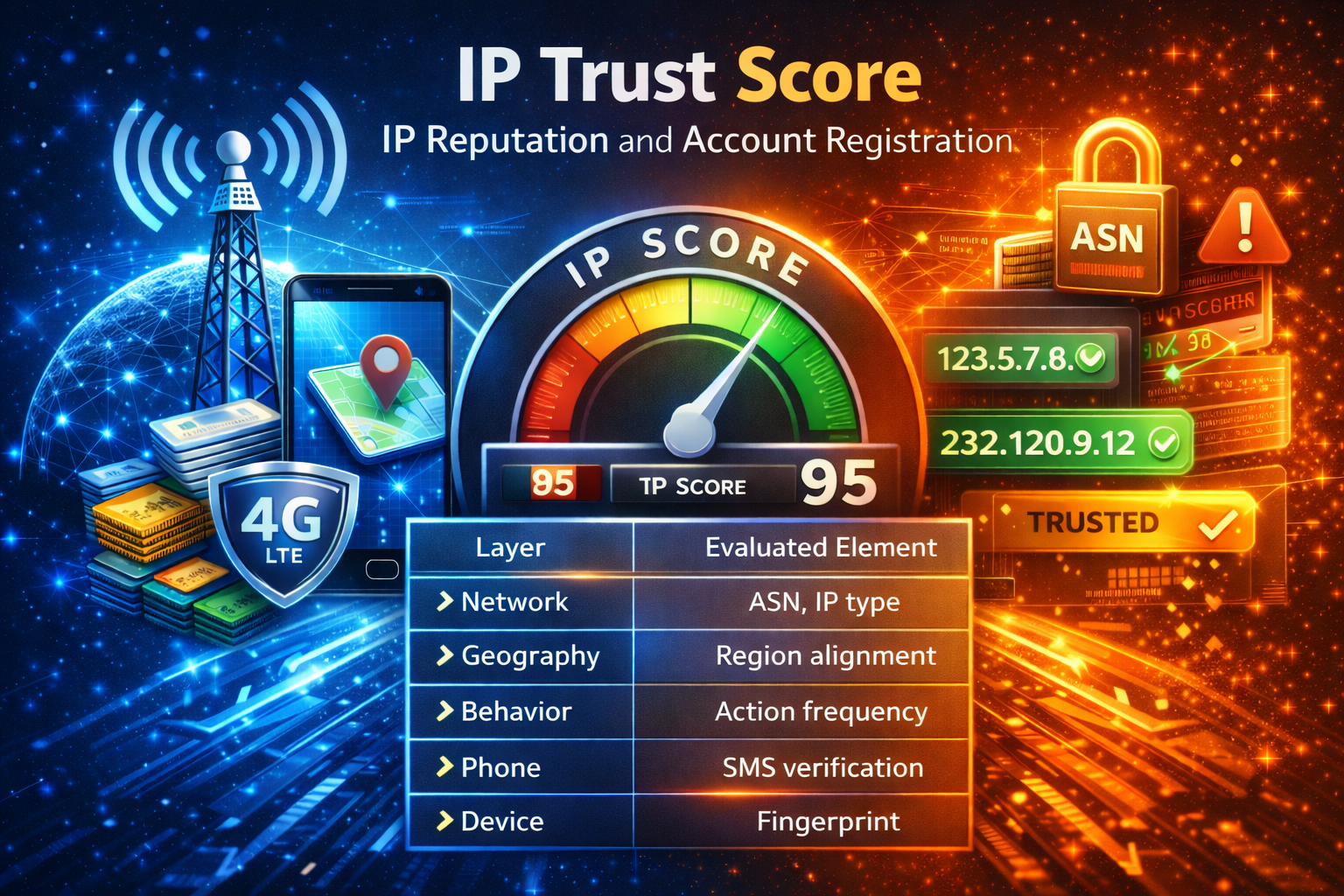
- network — IP address, carrier, country, address type (datacenter, residential or mobile), DNS servers;
- browser — the device fingerprint: screen resolution, fonts, graphics card, language, time zone, browser version;
- storage — cookies, local storage and cache that connect visits to each other;
- accounts — signed-in email, social media, phone number and payment details, the direct link to an identity;
- behavior — active hours, typing speed, mouse movement, the order of actions on a page.
The behavioral layer is the hardest to fake: no network tool changes it, and it reveals automation faster than any address does. Anonymity tools usually cover one or two layers, and the rest have to be handled separately. How sites build a browser fingerprint and how it differs from an IP is explained in browser fingerprint: how it works.
What VPNs, proxies and Tor hide — and what they do not
A VPN encrypts all device traffic up to its server and replaces the IP address with the server’s address. It protects well against the internet provider and public Wi-Fi. However, VPN server addresses have long been collected into databases, and many sites can tell that a visitor arrived through a VPN. The VPN provider itself also sees where the traffic goes.
A proxy replaces the IP address for a specific program or browser rather than for the whole device. An HTTP proxy does not encrypt traffic by itself, but HTTPS sites stay encrypted end to end. How much a site trusts a proxy depends on the address type: a datacenter address is recognized immediately, while a mobile one looks like a regular carrier subscriber.
Tor routes traffic through three relays, and none of them sees both the source and the destination. That is strong protection against surveillance, but the list of Tor exit nodes is public, and many sites respond to such visitors with a CAPTCHA or a block. For account work and ad dashboards, Tor is of little use.
Incognito mode is often mistaken for anonymity. It does not keep history or cookies after the window closes, but the IP address and browser fingerprint stay the same. The site sees the same visitor, only without the earlier cookies.
What VPNs, proxies and Tor have in common: they change only the network layer. The browser fingerprint, cookies, account logins and behavior stay as they were.
Leaks that expose the real address
Even a properly configured proxy will not help if the real IP slips around it. This most often happens in four places:
- WebRTC — the browser’s calling technology can report the real address to a site, bypassing the proxy. The fix is described in how to disable WebRTC;
- DNS — lookups of site names sometimes go through the internet provider instead of the proxy. Firefox has a dedicated “Proxy DNS when using SOCKS v5” checkbox for this, shown in setting up mobile proxies in Firefox;
- time zone and language — they do not reveal the address, but an IP from one country with a browser clock from another stands out at once. More in mobile proxies and time zone;
- programs outside the browser — if the proxy is set only in the browser, a messenger or another app on the same device goes online directly.
Where mobile proxies fit in
A mobile proxy covers the network layer, and it holds a strong position there. Carriers route thousands of subscribers through a small pool of public addresses — a technique called CGNAT. Real people with phones sit behind one mobile IP at the same time, so a site cannot tie the address to a single person. Such addresses are not listed in datacenter or VPN databases, and anti-fraud systems treat them more gently. The checks themselves are covered in mobile proxies and anti-fraud.
The address history matters too. In a private channel, the address belongs to one user, so other people’s actions cannot spoil it, and the IP can be changed through a link at the right moment. In a shared channel, the address rotates on its own by a timer and is shared among several clients.
Another factor is the country of the address. The IP has to match the language, time zone and audience of the work. Choosing a country is covered in mobile proxy geography.
What a mobile proxy does not do: it does not change the browser fingerprint, clear cookies or unlink accounts. That is the job of an antidetect browser with a separate profile per task. A setup example is in mobile proxies in Dolphin Anty.
How to check a setup
Before starting work, it is worth going through a short list:
- An IP check site shows the proxy address, not the home one.
- A WebRTC test does not find the real address.
- DNS servers belong to the proxy’s country, not to the home provider.
- The browser time zone and language match the country of the IP.
- Each identity has its own browser profile with its own cookies.
- The work profile has no personal accounts signed in.
If even one item fails, the other layers of protection lose their point: the site will link the visits through the trace that stayed open.
Conclusion
Digital anonymity in 2026 is not a myth, but it is not an “invisible” button either. It means separating traces across five levels: network, browser, storage, accounts and behavior. Mobile proxies cover the network level better than VPNs and datacenter addresses, because thousands of real subscribers stand behind a mobile IP. The remaining levels are handled by browser setup and work discipline. A channel for the task can be chosen in LTESpace pricing.